Home Portfolio About Glass App Blog Contact Shop on Etsy ↗

Built by a glass artist,
for glass artists

My Kiln Journal

The essential firing companion

You shouldn't have to rely on memory or a messy binder full of notes to get consistent results. My Kiln Journal helps you track what matters and find it quickly, so you can create with confidence.

Free to try · 8 firings included · $3.99/mo or $39.99/yr after

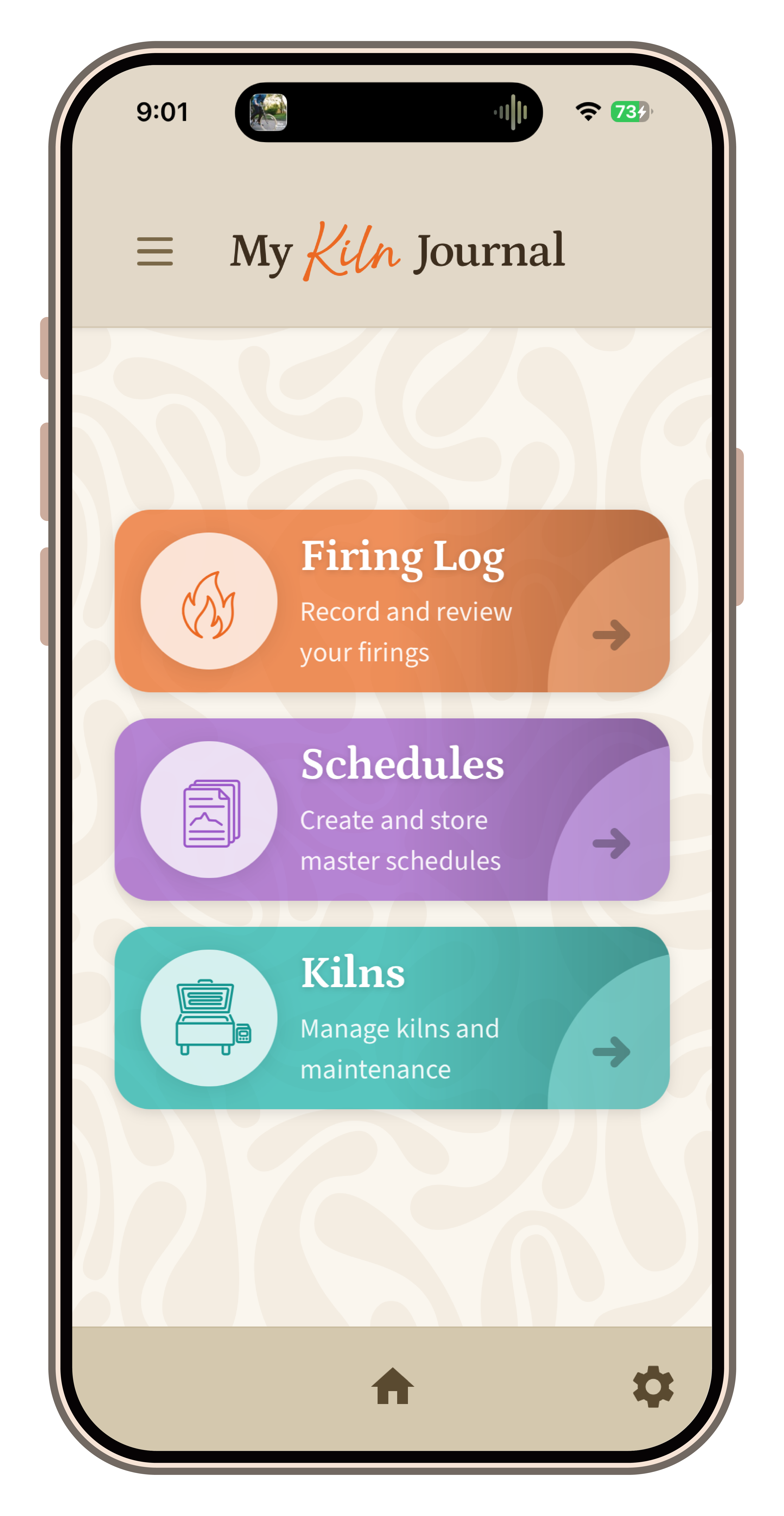
My Kiln Journal app on a mobile phone

Glass is too expensive to guess with

I built My Kiln Journal because I needed it myself. After years of glass work, I had binders full of notes and a memory that couldn't always be trusted. When something went wrong — or went beautifully right — I wanted to be able to go back and find exactly what I did. My Kiln Journal is the tool I wished I had on day one.

Stop wasting glass
Log every firing so you stop repeating expensive mistakes and know exactly what went wrong.
Find what worked
Search and filter your logs by kiln, schedule, tags, or rating. Pull up the exact firing that gave you that result.
Save time
Everything in one place, searchable, always with you. No more digging through binders.
See before & after
Attach photos to each firing log and visually compare results over time.

Everything a glass artist needs

📋
Firing Logs
Record every firing with notes, schedule used, ratings, tags, and before & after photos. Your full firing history, always at your fingertips.
💾
Saved Schedules
Save your go-to firing schedules and attach them to logs. Build a personal library of what works for your glass and your kilns.
🔍
Search & Filter
Find any firing fast. Search by keyword, filter by kiln, tag, date, or rating. The answer you need is seconds away, not buried in a binder.
🔥
Kiln Management
Track multiple kilns, log maintenance history, and keep notes on each unit so you always know what condition your equipment is in.
Rate & Tag Firings
Rate each firing and add custom tags so you can sort and compare results across different glass types, techniques, and projects.
📱
Works Like an App
Install directly to your home screen on iPhone or Android, no app store needed. Works beautifully on phone or tablet, right in your studio.

Start free, upgrade when you're ready

Free
$0
Try it out with no commitment. Log your first 8 firings, explore every feature, and see if it fits your workflow.
  • 8 firing logs included
  • Saved firing schedules
  • Kiln tracking
  • Before & after photos
  • Search & filter
Try It Free ↗
Monthly
$3.99 / month
Flexible month-to-month access. Great if you want to try the full experience before committing to a year.
  • Unlimited firing logs
  • Unlimited schedules
  • Unlimited kilns
  • Before & after photos
  • Full search & filter
Get Started ↗

Take a look

A quick look at My Kiln Journal: firing logs, saved schedules, and kiln maintenance tracking, all in one place.

Add it to your home screen

My Kiln Journal is a web app, which means there's nothing to download from an app store. Just visit the site and follow these steps to install it on your phone. It will look and feel just like a regular app.

1
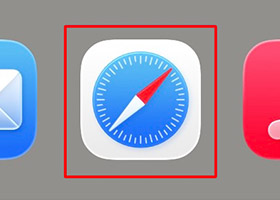
Open Safari
On your iPhone or iPad, open the Safari browser. My Kiln Journal must be opened in Safari for the install option to appear; it won't work from Chrome or other browsers on iOS.
Open Safari
2
Go to mykilnjournal.com
Type mykilnjournal.com into the Safari address bar and visit the site. Make sure the page has fully loaded before the next step.
Type mykilnjournal.com
3
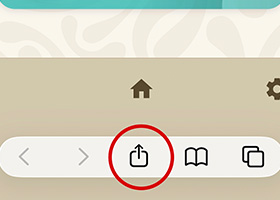
Tap the Share button
At the bottom of Safari, tap the Share button; it looks like a square with an arrow pointing up. A menu will slide up from the bottom of your screen.
Tap the Share button
4
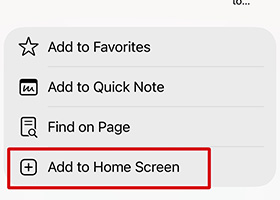
Tap "Add to Home Screen"
Scroll down in the share menu and tap "Add to Home Screen." Keep Kiln Journal as the name.
Tap Add to Home Screen
5
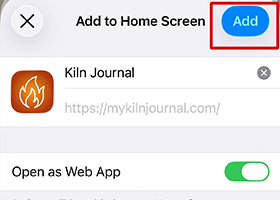
Tap "Add" to confirm
Tap Add in the top right corner. My Kiln Journal will appear on your home screen just like any other app. Tap it to open and get started.
Tap Add to confirm
6
You're all set!
My Kiln Journal is now installed on your home screen. Tap the app icon to open it anytime, no browser needed.
My Kiln Journal app on home screen

Tip: Once installed, always open My Kiln Journal from the app, not from Safari. This gives you the full app experience without the browser bar.

1
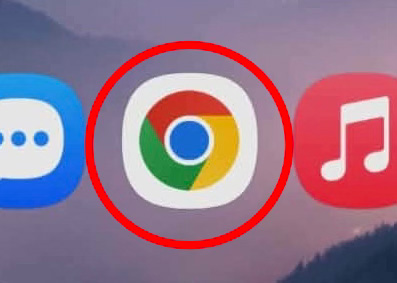
Open Chrome
On your Android phone or tablet, open Google Chrome. My Kiln Journal must be installed from Chrome; other browsers won't give you the install option.
Open Chrome
2
Go to mykilnjournal.com
Type mykilnjournal.com into the address bar and let the page fully load.
Go to mykilnjournal.com
3
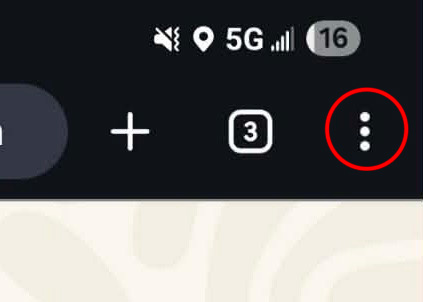
Tap the three-dot menu
In the top right corner of Chrome, tap the three dots (⋮) to open the browser menu.
Tap the three-dot menu
4
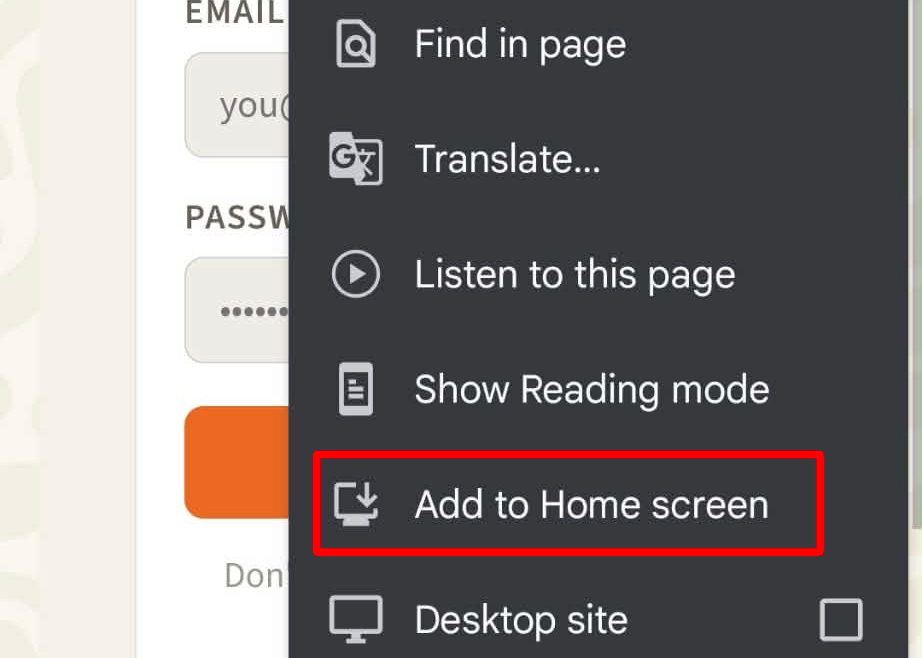
Tap "Add to Home screen"
In the menu, find and tap "Add to Home screen."
5
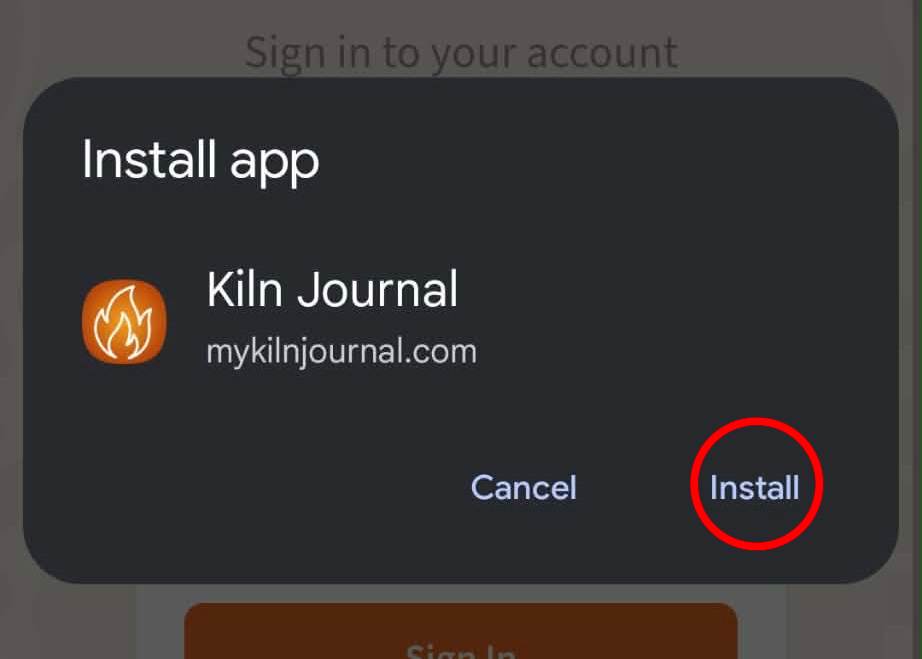
Tap "Install"
A dialog will appear showing the Kiln Journal app. Tap Install to confirm.
Tap Install
6
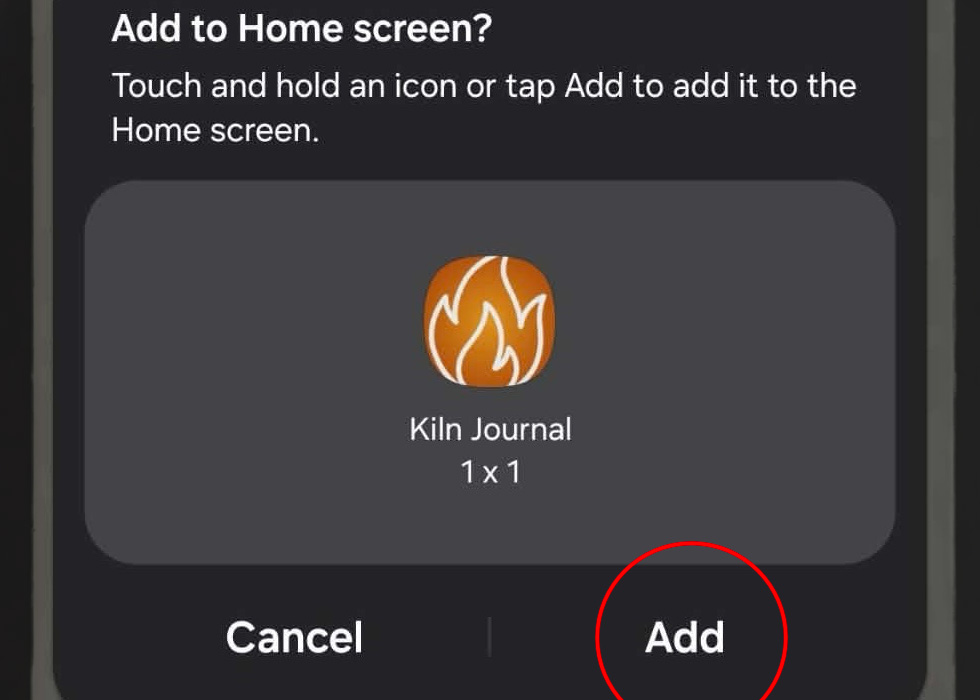
Tap "Add"
A second dialog will appear asking where to place the icon. Tap Add to put it on your home screen.
Tap Add
7
You're all set
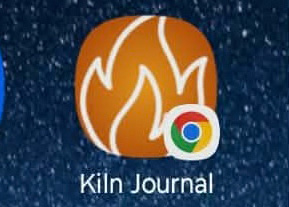
The Kiln Journal icon will appear on your home screen, ready to use just like any other app.
Kiln Journal icon on home screen

Fire with confidence.

My Kiln Journal is free to try, no app store, no credit card required. Visit mykilnjournal.com, add it to your phone's home screen, and start logging your first firing today.